Contacts & Companies — CRM
Every person you work with, in one place, with the notes that matter.
The problem
Customer details end up everywhere: a phone here, an email thread there, a note in someone's memory. When you need the full picture — what you did for this client, what's still open, what they owe — there's no single place that has it.
So details get lost, follow-ups get missed, and knowledge walks out the door when a team member leaves.
How the aCo App solves it
This is your CRM — customer relationship management — built into the app instead of bolted on. One address book holds clients and leads next to friends and family — personal and business relationships in one place, each marked as what it is. The aCo App keeps contacts and companies together in one address book built for work. Save the person, save the company, and keep the notes with the record — not in your head.
Because contacts connect to projects, form responses and invoices, opening a contact shows you the relationship, not just a phone number.
What you get
- People and companies, organized together
- Notes on the record, where your whole team can find them
- Contact types for every relationship — client, lead, friend, family, team member, vendor, wholesale or retail buyer
- Job title, company, birthday, tags and marketing opt-in on the record — plus internal notes only your team sees
- New contacts created straight from form responses
- Contact history connected to projects and billing
Why it's different
A phone's address book holds numbers; a spreadsheet holds rows. This holds the working relationship — who they are, what you've done together and what's next. It lives in the same app as the rest of your business — one login, one subscription.
Details
- Contact types: friend, family, lead, client, user, vendor, wholesale buyer, retail buyer and team member — plus companies, organizations, families and groups
- Job title, company, sector, division, tags and birthday on the record
- Multiple labeled emails, phones and addresses per person
- Websites and social profiles, a marketing opt-in flag, and internal notes only your team sees
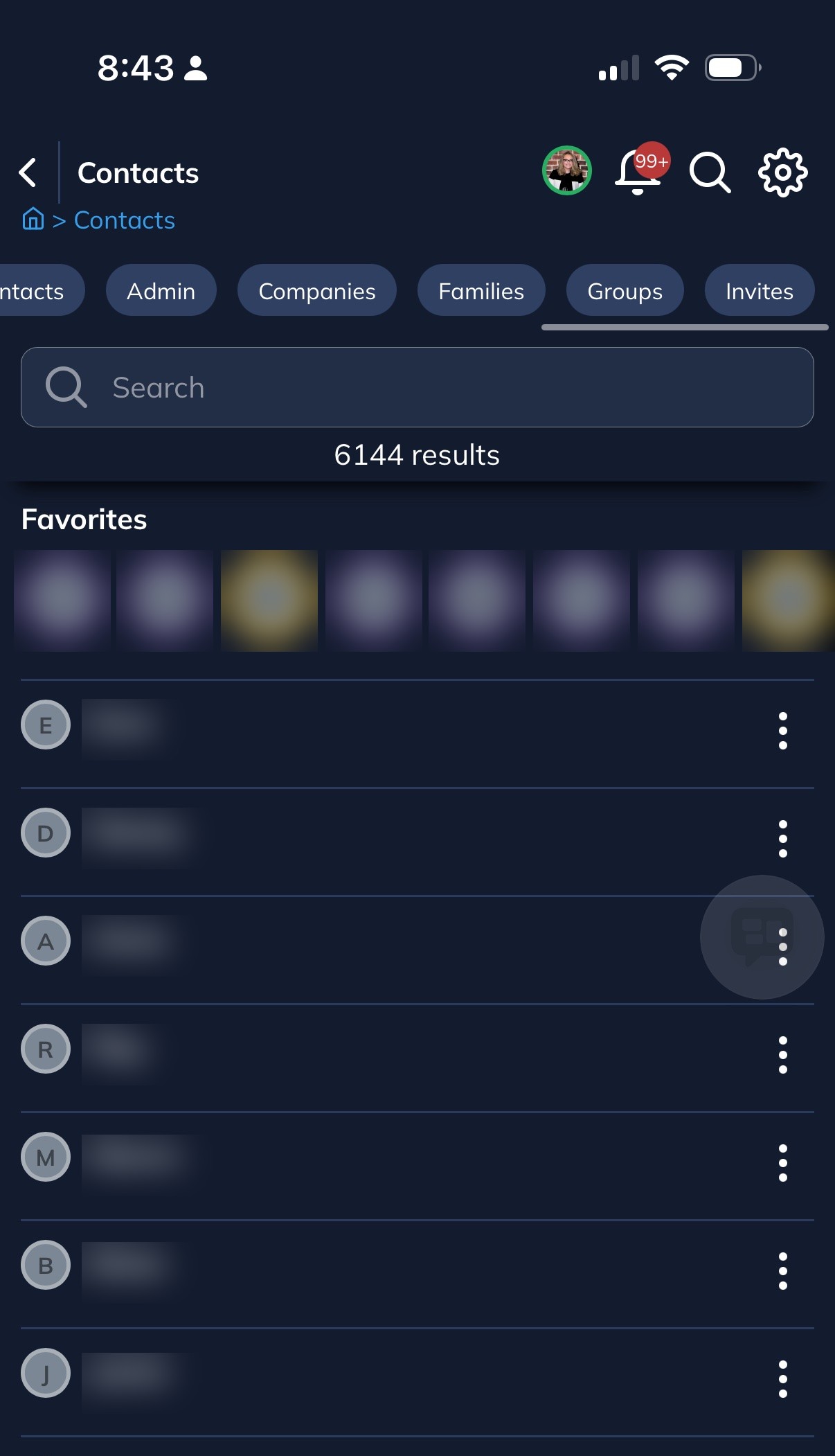
- Lists and filters: Clients, Leads, Team, Friends, Family, Companies, Families, Groups, Invites, Admin, Users, Vendors, Buyers — plus Favorites
Questions
Can I add both individuals and companies?
Yes — contacts and companies are both first-class records, and people link to the companies they belong to.
Can a form response become a contact?
Yes. When someone reaches out through a form, their response can become their contact record.
Who can see my contacts?
Your workspace is yours. Team members see what their permissions allow.
Get started with the aCo App
Create your free account, log in to your workspace, or find answers in the support knowledge base.